

 Cable Automotive / Marine

 Cable Lugs
 Cable Lug Assortment Kits
 Cable Lugs Straight Wall Closed
 Cable Glands
 Convoluted Split Tubing
 12/24v Products & Access

 Electrical Connectors
 Solar Powered Products
 LED Lights

 Tools



 Auto Parts & Categories

 Fittings
 Cleaning & Misc
 Clearance & Promotion
Latest News
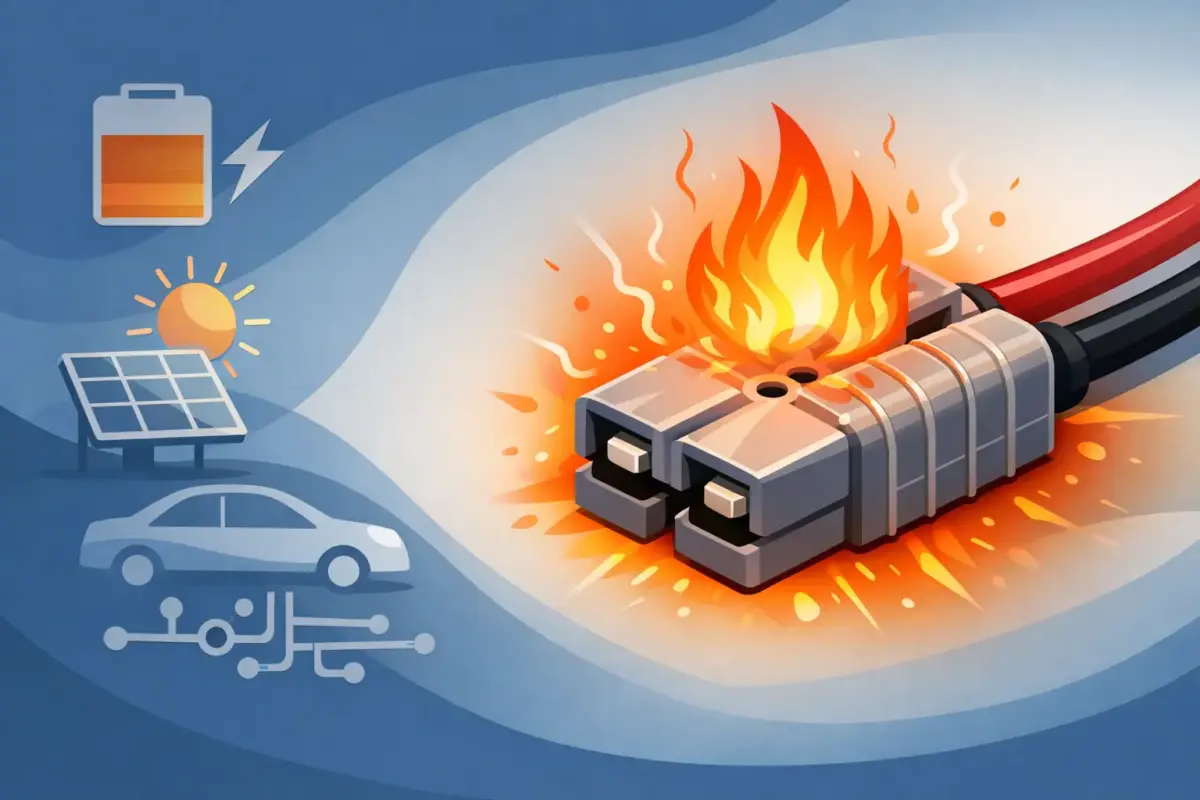
Why Does Anderson Plug Get Hot?
Jul
You usually notice it after a decent load has been running for a while – fridge on, charger working, winch pulling, or a caravan battery taking current. You grab the Anderson connector and it is warmer than expected, or properly hot. If you are asking why does Anderson plug get hot, the short answer is simple: heat means resistance, too much current, or both.
That matters because an Anderson plug should not be getting excessively hot in normal service. A slight rise above ambient can be acceptable under load, especially at higher current, but heat you can clearly feel through the housing is a warning sign. Left alone, that heat can soften housings, oxidise contacts, increase voltage drop, and start a cycle where the connection gets worse each time you use it.
Why does Anderson plug get hot in the first place?
An Anderson plug gets hot when electrical energy is being lost as heat instead of flowing cleanly through the connection. In practical terms, that usually comes back to one of three things: poor contact, undersized cable or components, or current draw beyond what the setup can comfortably handle.
The most common cause is resistance at the terminal contact point. Even a small amount of extra resistance can create a lot of heat once current rises. That is why a plug might seem fine on a light accessory but get hot when charging a battery bank, running a compressor, or feeding a DC-DC charger.
Heat can also be generated upstream or downstream and conduct into the plug body, which can make diagnosis a bit misleading. Sometimes the Anderson housing feels hot, but the real issue is a bad crimp, cable strand damage, or a mismatch between cable size and the load over distance.
Poor contact is the usual culprit
Inside an Anderson connector, the contacts need firm mechanical engagement. If the contact spring pressure is weak, the terminal is poorly inserted, or the mating surfaces are dirty or damaged, resistance goes up.
This is common with cheap connectors, worn contacts, or plugs that have been connected and disconnected repeatedly in dusty, wet, or corrosive conditions. In touring, marine, workshop, and industrial environments, that wear adds up quickly. Fine dust, salt, moisture and vibration all work against a clean low-resistance connection.
A poor crimp is another regular offender. If the cable has not been crimped properly onto the contact, current has to fight through a compromised joint. That resistance may not be obvious from the outside. The plug can look perfectly normal while the terminal-to-cable connection inside is cooking under load.
Solder can also be a mixed bag if it has been used instead of a proper heavy-duty crimp. A neat soldered joint is not automatically a good high-current joint. If solder wicks too far into the cable, it can create a stiff section that is more vulnerable to fatigue. If the solder joint itself is poor, heat follows.
Cable size and current draw need to match
Anderson connectors are often fitted into systems where voltage drop already matters. Long cable runs to the rear of a ute, caravan drawbar connections, solar leads, and dual-battery charging setups all put pressure on cable selection. If the cable is too small for the current and distance, the whole circuit runs hotter and less efficiently.
That does not always mean the Anderson plug rating is wrong on paper. A connector can be rated for a certain current, but the installed system still may not be. Cable length, ambient temperature, duty cycle, and enclosure ventilation all affect real-world performance.
For example, a plug feeding a battery charger may run hotter than expected if the charger is pulling hard through a long undersized lead. The connector becomes one visible symptom of a broader circuit problem. In 12V systems especially, small voltage losses matter more because you do not have much headroom to begin with.
Not all 50A setups are really 50A setups
This is where a lot of trouble starts. People see a 50A Anderson-style connector and assume the whole lead assembly is ready for sustained 50A service. That is not always the case.
The connector body might be capable, but the contacts may be poor quality, the cable may be too light, or the crimp may be average at best. There is also a big difference between occasional peak current and continuous load. A setup that survives short bursts may still get hot during long charging sessions or extended accessory use.
Quality matters here. Better housings, properly matched contacts, correct cable size and a professional crimp all reduce resistance. In trade and touring applications, this is one area where buying to price usually costs more later.
Signs the heat is becoming a real problem
Warm and hot are not the same thing. A connector carrying solid current may feel slightly warm after extended use, particularly in hot weather or a confined space. That alone is not always a fault.
You should be concerned when the housing becomes uncomfortable to hold, the plastic starts to discolour, there is a hot electrical smell, or one side is noticeably hotter than the other. If the cable insulation near the rear of the contact is getting warm, that often points to a bad crimp or excessive current for the cable size.
Another giveaway is uneven performance. If charging current drops off, your fridge cuts out on low voltage, or the plug works only when moved slightly, you are dealing with a connection issue that needs attention.
How to test what is causing the heat
The cleanest way to diagnose a hot Anderson plug is with a voltage drop test under load. This tells you far more than a basic continuity check.
With the circuit operating normally, measure voltage across the connector from the supply side contact to the load side contact on the same polarity. Then do the same on the negative side. A healthy connector should show very low voltage drop. If the reading climbs under load, resistance is present where it should not be.
You can also compare temperatures by touch carefully, or better again with an infrared thermometer if you have one. If one contact is much hotter than the other, the problem is likely localised to that terminal or crimp rather than the entire circuit.
Inspect the plug closely after isolating power. Look for darkened terminals, softened housing material, looseness, green corrosion, or cable movement at the contact. Any of those signs justify replacing the affected parts rather than trying to nurse them along.
Common fixes that actually solve it
If the connector is hot because of a poor crimp or damaged contact, replace the contact and terminate it properly. Do not reuse overheated terminals. Once metal has been heat-stressed or oxidised, its performance is compromised.
If the issue is cable size, step up the cable and reassess the full run length, not just the short section near the plug. A good connector attached to inadequate cable is still part of a bad circuit.
If the housing or contacts are low-grade, swap to quality components matched to the application. In higher-demand setups such as caravans, canopies, auxiliary battery charging and workshop power distribution, component quality is not a cosmetic upgrade – it directly affects heat, voltage drop and service life.
Also check whether the load itself is realistic for the connector and duty cycle. A winch, inverter, charger and compressor do not all stress a plug in the same way. Some jobs call for a different connector size, shorter cable run, or heavier lead assembly.
Environment plays a part too
Australian conditions are hard on electrical gear. Corrugations shake terminals loose. Red dust contaminates contacts. Coastal air promotes corrosion. Engine bay heat and summer ambient temperatures reduce your safety margin before a connector starts running too warm.
That is why a setup that looked acceptable on the bench can become unreliable out on the tracks or at a work site. In these conditions, correct assembly and component quality matter just as much as the nominal current rating.
For anyone building or repairing 12V and 24V systems, it is worth treating heat at a connector as a fault to investigate, not a quirk to ignore. One hot Anderson plug is often the first visible sign that the rest of the circuit needs a proper look.
If your Anderson plug is getting hot, do not just replace the housing and hope for the best. Check the contact quality, the crimp, the cable size, the current draw and the voltage drop under load. Get those right, and the connector will usually run cool, charge properly, and keep doing its job when the rest of the setup depends on it.